Planning your end-of-year event? Bring the whole team together for awards, thanks and a party.See end-of-year events →

Doors open

As easy as a webinar. As memorable as a venue.

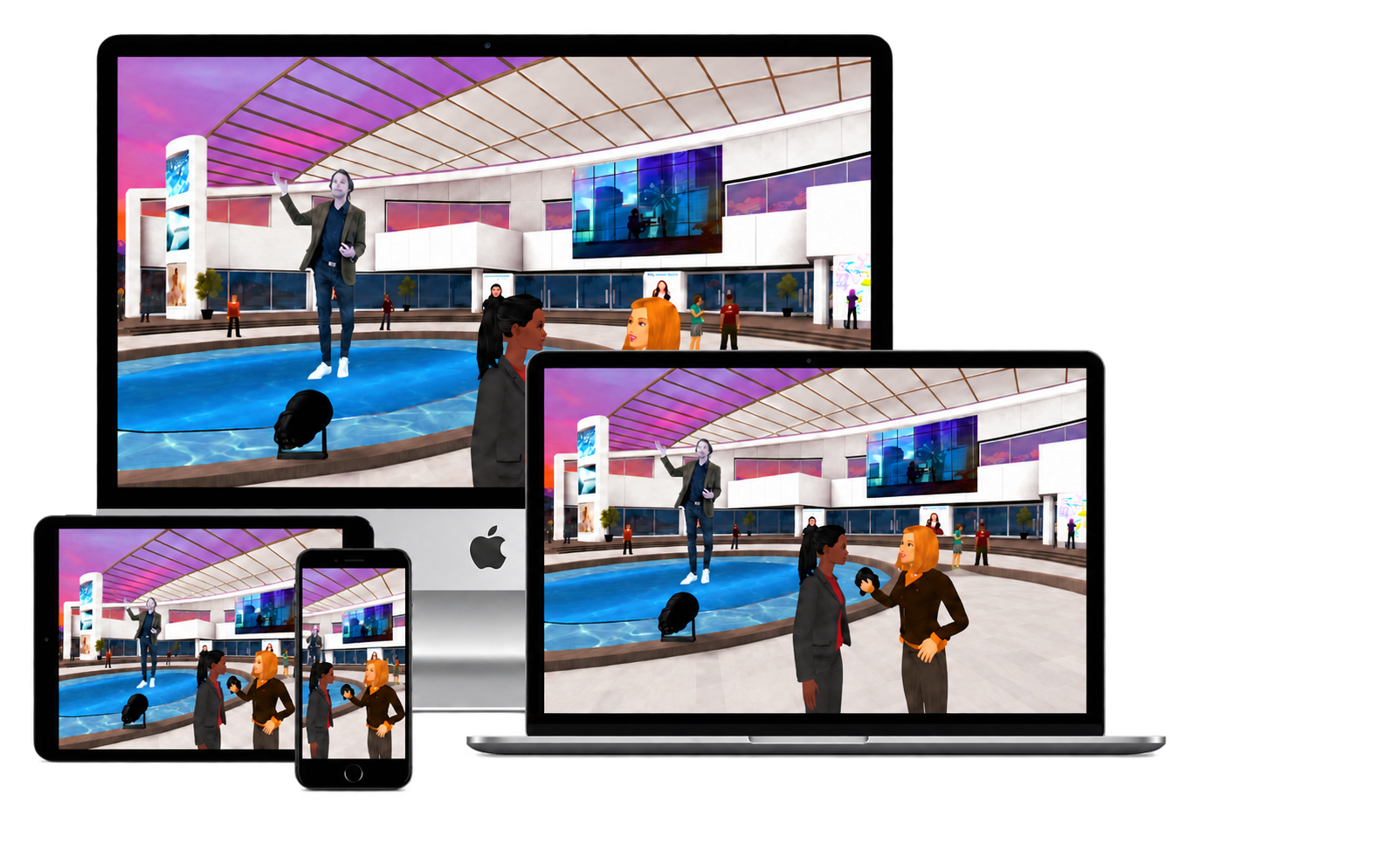
MootUp turns your event into a venue people walk into, with sessions, booths, speed networking and full video conferencing. It runs in the browser on any device, and attendees join from a link.

Events from $4,950. Try a single live session first for $699.

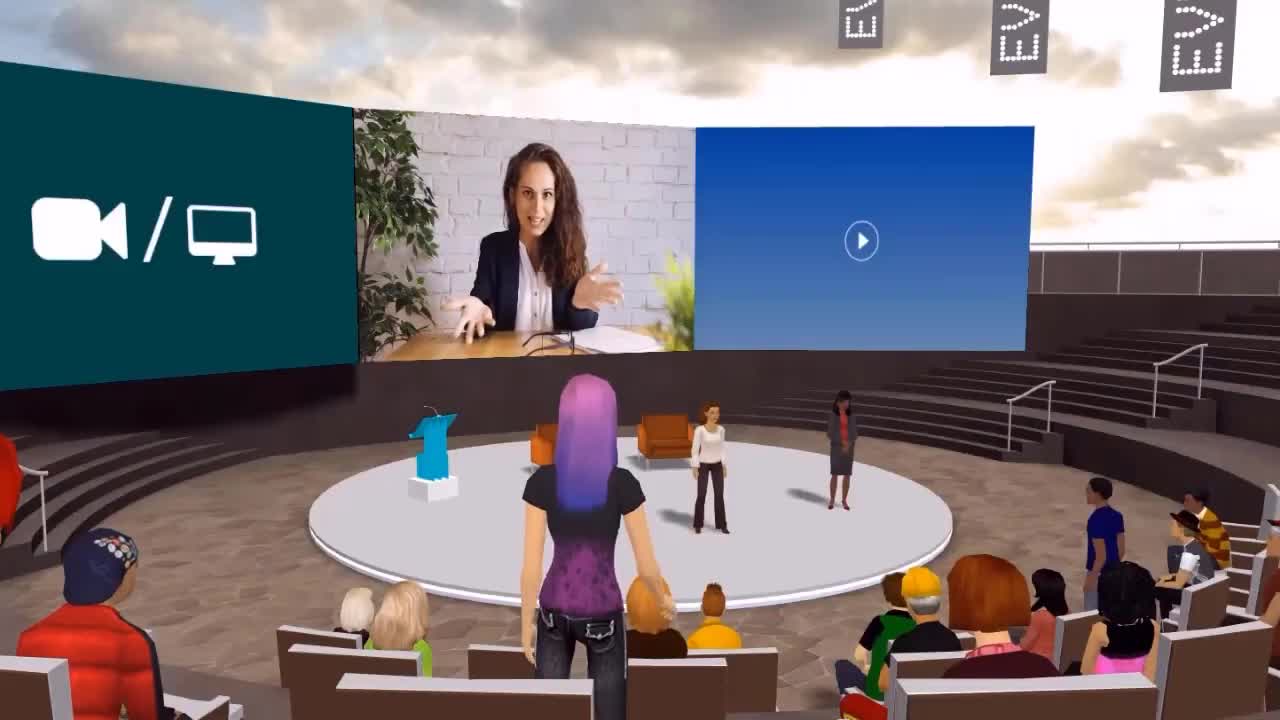
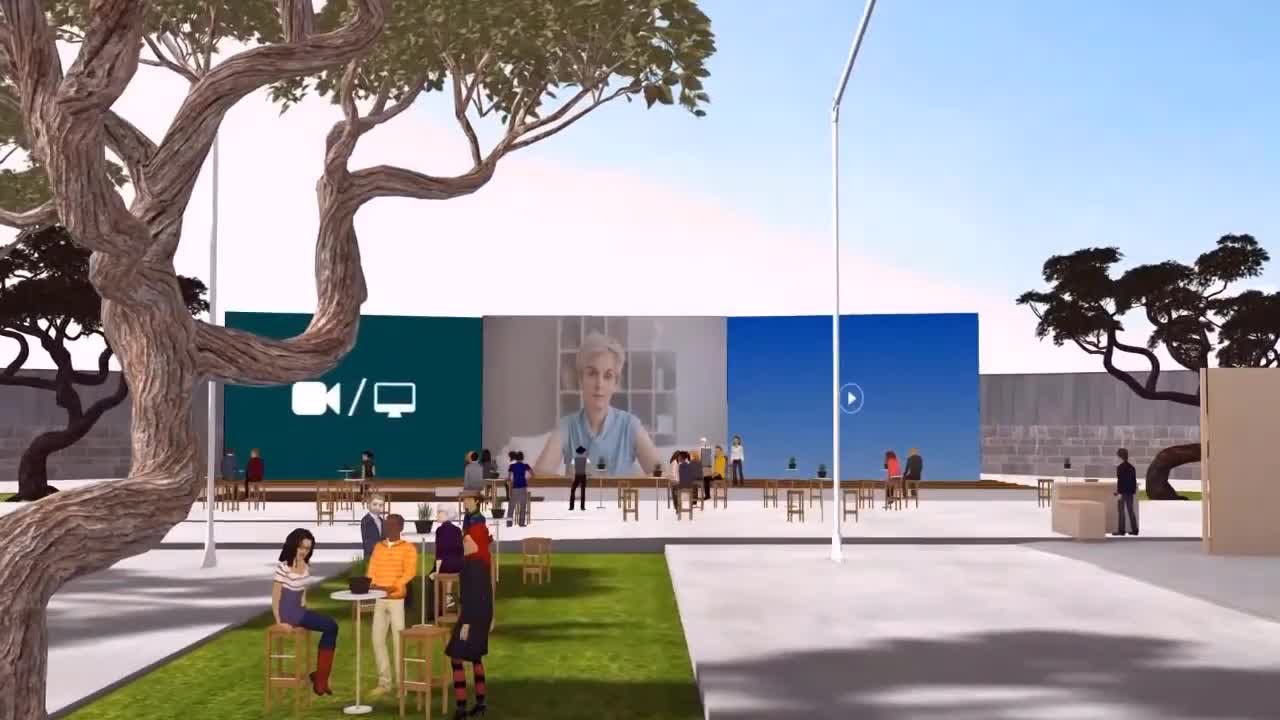
Footage from real MootUp events.

Used by teams at

Customer logos including Autodesk, Dell, Epic Games, Harvard, Nike, Arizona State University, New Balance, NEC and MarkelCustomer logos including Nokia, Oliver Wyman, Parker, Stanford, Uber, UCLA, Walmart, Yale and the BBC

Built on the Hyperspace platform, running live multi-user events since 2015.

Lobby

Walk in. No tutorial needed.

If they can join a video call, they can attend a MootUp event. An AI guide meets each person at the door and gives them a personalized journey: they ask, and it takes them there.

1

Click the link

No download, no app and no headset. It opens in the browser on a laptop, tablet or phone.

2

Pick how you look

Choose an avatar in a few seconds, or keep the default and walk straight in.

3

Ask the guide

“Take me to the keynote.” “Where is the Acme booth?” The AI guide answers and takes them there.

4

Talk like any call

Microphone, camera, screen share and chat sit where people expect them.

Help desk

You will not be doing this alone.

We build the event with you, stage by stage, and stay with you on the day.

1

A venue from the first call

Your event world is created in the onboarding call, so your stakeholders can tour it and rehearse straight away.

2

Bring your own content

Upload slides, videos and PDFs to your event drive and brand the venue as yours. We help you place it all.

3

Attendees warm up early

The lobby opens one to two weeks ahead, so people arrive on the day already comfortable.

4

Support, then a debrief

A private Slack channel throughout, live support staff available in the venue on the day, and a report afterwards.

A full house in the auditorium.

Main stage

Everything your video calls do, plus the venue.

A webinar is a broadcast. An event is a shared experience. MootUp keeps the tools your team already relies on and adds the venue around them.

  • Live webcam, screen share and presenter cohosts.
  • Polls, Q&A, raise hand, chat and moderator tools.
  • Breakout spaces people walk into, and private side conversations.
  • Present from Zoom or Microsoft Teams straight to the audience in the venue.

Works with Microsoft Teams, Zoom, Slack, Cvent, RingCentral, Salesforce, HubSpot and 100+ more.

Concierge

A venue that is never empty.

Virtual booths fail when nobody is standing at them. In MootUp, every door has a greeter and every booth has a rep, even when your team is asleep.

  • Welcome guides greet each attendee, answer questions and take them where they want to go.
  • Booth reps answer from the exhibitor’s own material and hand over to a person when asked.
  • Every conversation is a lead you can export, so exhibitors see what their booth earned.
  • Bring your own AI key and conversations run under your own provider contract.

Bots answer the questions. People have the conversations.

An AI guide named Mariah greeting attendees inside a MootUp event

An AI guide greeting attendees at a live MootUp event.

Lounge

The parts people talk about afterwards.

Attendees mingling in small groups at a MootUp event

Speed networking

Short, timed conversations that put the right people face to face.

The after-party

A dance floor, a coffee bar and cocktails. The part of the event where colleagues actually catch up.

Photobooth and swag

Group photos people share afterwards, and branded shirts and caps their avatars wear with pride.

Two attendees celebrating during a scavenger hunt in MootUp

Gamification

Points, leaderboards and scavenger hunts that turn attendance into taking part.

Two speakers on live webcam above an avatar audience at a MootUp conference

A company conference: speakers on live webcam, the audience in the room.

Auditorium

Town halls, conferences and launches people remember.

Bring a distributed organization into one room. Leadership presents on stage, teams break out into their own spaces, and people meet colleagues they would never bump into on a call.

  • A branded venue, or a twin of your own headquarters.
  • Stage sessions and breakouts, then an after-party where teams finally mix.
  • Keep the venue open afterwards for onboarding and training.

Expo hall

Booths your exhibitors will pay for.

Exhibitors pay for foot traffic and leads. Give them a booth people walk up to, a rep who is always there, and a list of every conversation at the end.

  • Branded booths with video, documents and product displays.
  • AI booth reps for the hours nobody can staff.
  • Lead export for every exhibitor.

Visitors at exhibitor booths.

Two attendees greeting each other with a handshake in MootUp

It starts with a handshake.

Careers floor

Where candidates and employers actually talk.

At a career fair the conversations are the product. MootUp puts candidates in front of recruiters, without the queue and without the travel.

  • Employer booths candidates can walk up to.
  • Speed networking for short, timed introductions.
  • AI reps answer the common questions, so recruiters spend time on the right people.

Guest book

Signed by the people who ran them.

“MootUp bridges the experiential gap by offering a solution that can create immersive and impactful experiences. The platform is super intuitive to use. It even has conferencing, screen sharing, and discussions, so if you’re looking for a creative way to have a virtual meeting or conference, MootUp has you covered.”

Mark LivelsbergerMark LivelsbergerVolvo Construction Equipment

“When we hosted our first digital event on this platform, we were unsure whether it would be a one-time stunt, or something we would repeat. Very quickly, in anecdote after anecdote, we heard about the easy, organic, impromptu connections attendees were able to make.”

Kerry DesbegCMO, Impartner

“We were looking into a few platforms, but didn’t really find what we were looking for. We liked some of the features and had fun using them, but we didn’t see them scale well for a large event. So we kept on looking and eventually found MootUp.”

Robin AmstersRobin AmstersTEDxLeuven

Box office

Pick your pass.

Every package includes rehearsals, a private support channel and unlimited email support.

Starter Event

$4,950

A half-day event for one audience.

  • Up to 5 live hours
  • A branded venue from our templates
  • Photobooth and speed networking
  • An AI welcome guide
  • Attendance summary

Book a walkthrough

Most popular

Full Event

$9,950

A full-day event with exhibitors or sponsors.

  • Everything in Starter, plus:
  • Up to 10 live hours, 500 people at once
  • 25 spaces, including an expo hall
  • Exhibitor booths with AI reps and lead export
  • Gamification and full reporting
  • Live support in the venue on the day
  • Setup done with you

Book a walkthrough

Annual

$25,000 per year

A venue that stays open all year. Costs less than three full events.

  • 1,000 people at once
  • Unlimited spaces, 25 active worlds
  • Unlimited AI bots
  • Always open for onboarding and training
  • 10 training sessions for your team

Book a walkthrough

Not ready to commit? Run a pilot session for $699.

One live session with your own people, for up to 150. Choose an auditorium broadcast or a speed-networking cafe.

Start with a pilot

Planning something larger, or not sure which fits?

Security desk

Ready for your security review.

SSOEnterprise SSOOkta, Microsoft Entra ID, Ping, SAML
GDPRGDPR compliantPrivacy by design
AIEU AI Act readyAI assistants always labelled as AI
YOUR KEYBring your own AI keyRuns under your provider contract
Microsoft MarketplaceListed after Microsoft review
Works behind your firewallVPN and corporate network ready

Monthly Fortune 500 and Technology Partner Security Approvals

Information

What people ask first.

Will my attendees cope with a 3D venue?

Yes. They join from a link in the browser, an AI guide greets them, and they can ask it to take them anywhere. The talking tools are the ones they know from video calls.

Do attendees need to download or install anything?

No. MootUp runs in the browser on laptops, tablets and phones. There is no app, no download and no headset.

Can attendees talk privately with a rep at a booth?

Yes. A visitor and a rep can have a voice conversation at the booth that is separate from the rest of the room, so it stays one to one.

How many people can attend?

Tens of thousands of people can be in one event at the same time. Standard plans include 1,000 at once, with more on request. Presenters and hosts are always visible to everyone.

Can several rooms run at the same time?

Yes. There is no limit on the number of rooms running at once, and every room has every feature.

How much work is it for our team?

Less than you might expect. Your venue exists after the first call, and we build it with you in clear stages, from setup and rehearsals to live support and a debrief report.

What if something goes wrong on the day?

Rehearsals are unlimited, so presenters and exhibitors are comfortable before you open. On the day, live support staff can be in the venue with you, and on the Full Event package that support is included.

Where does AI conversation data go?

You can bring your own AI key, so bot conversations run under your own provider contract. AI assistants are always labelled as AI.

Come and see the venue.

Book a live walkthrough tailored to your event. Free, with no obligation.